
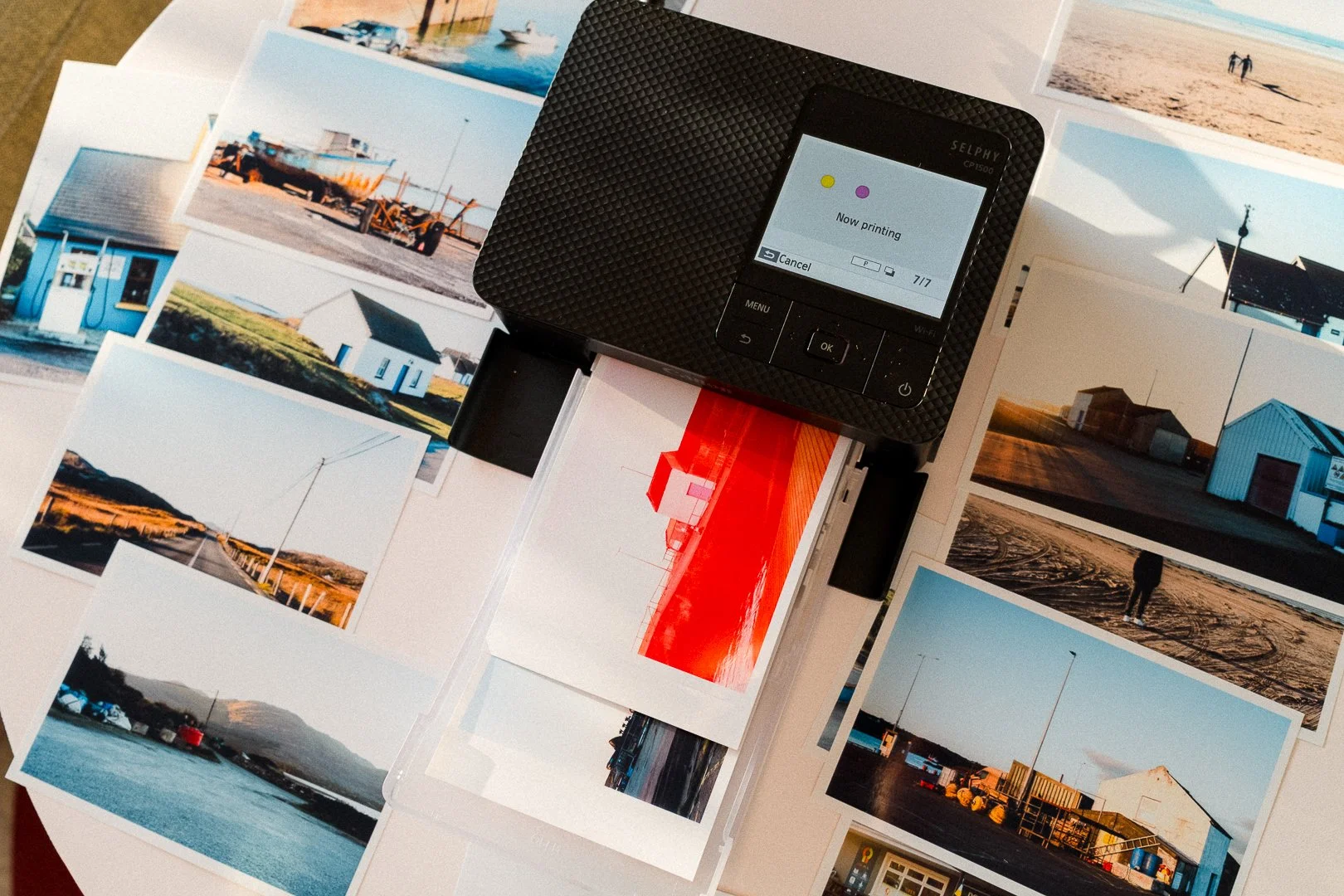
Why I Think Printing Your Photos Matters
I've written before about how printing your photographs is one of the best things you can do for yourself as a photographer.
It's much easier to get an overview of your work when you have actual photographs in front of you instead of hundreds of thumbnails on a screen. You can put them next to each other, look for common themes, spot recurring subjects and notice things you might have missed before.
It's also much easier to experiment with sequencing. When I was working on my photo zine, being able to move prints around, try different combinations and see how the photographs worked together was an important part of the process.
There's also something reassuring about having physical copies of your photographs. Prints are timeless in a way digital files aren't. You don't need a hard drive, software or a particular device to look at them. You can come back to them years later. And if one day any of your hard drives decide to give up, prints will still be around.
Photography belongs on paper. That's something I don't think needs much convincing.
I also think it's a good habit to print a few favourite photographs after every photo walk or outing. You don't need to turn them into a project. Just pick a handful and put them in a scrapbook, a photo album or a box. Over time, you'll build a personal archive of moments and photographs that would otherwise probably remain somewhere on your computer.
And there's something satisfying about the printing process itself. It feels like photography has reached the point where it was supposed to end: a tangible object you can actually hold.
What printer to choose as a photographer
I already own a Canon PRO-300, that prints up to A3 format, but it's a completely different category of printer. It's more professional, considerably more expensive to run and, naturally, takes more time and effort to get everything right.
Canon Selphy CP1500 is pretty much the opposite: a quick, plug-and-play solution when I just want to print a few photographs without turning it into a whole process. That’s why I decided to give it a go.
Canon Selphy CP1500: How does it work?
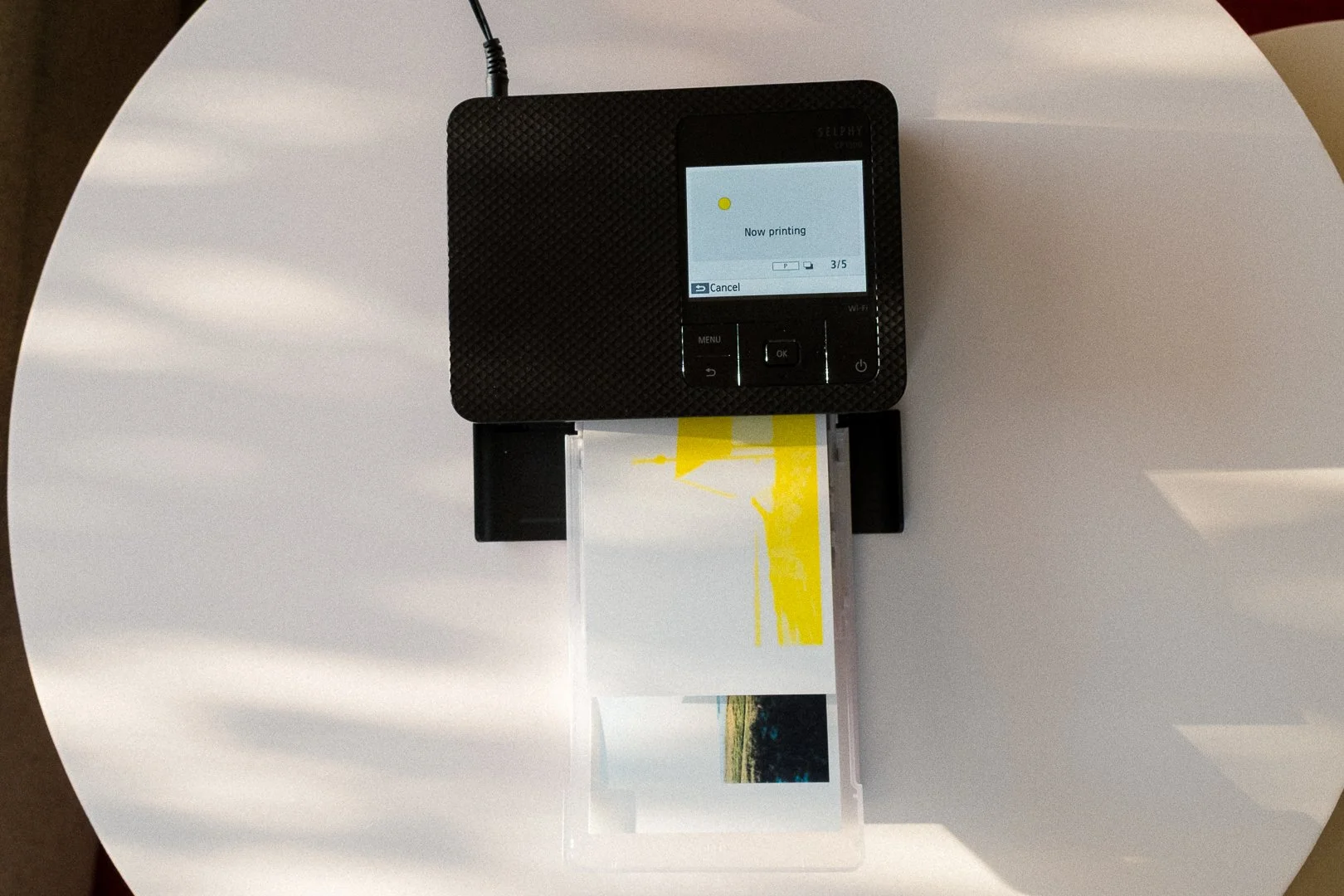
The Canon Selphy CP1500 is a compact dye-sublimation photo printer. Unlike a regular inkjet printer, it doesn't apply all the colours at once.
Instead, it prints each colour in a separate pass. First yellow, then magenta, and finally cyan. Once the colours are in place, the printer adds a transparent protective coating to the photograph.
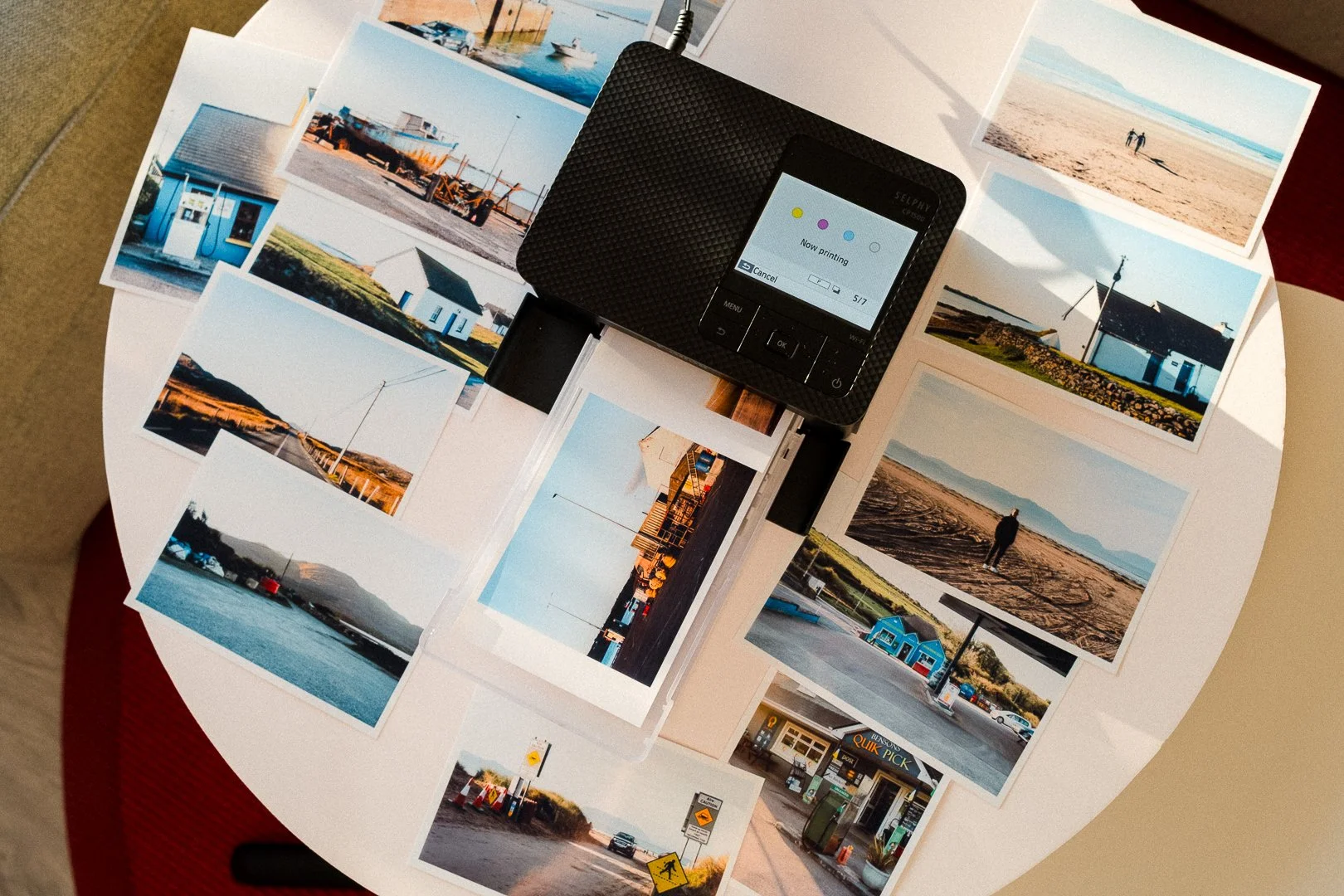
The interesting part is that the paper moves back and forth through the printer during this process. You can actually watch the photograph slowly take shape as each colour is added. It's quite fun to watch, especially the first few times.
The standard print size is 10 × 15 cm (4 × 6 inches). The printer uses dedicated paper and ink ribbon sets, which come together in one package. For example, the Canon RP-108 set includes 108 sheets of paper and enough ribbon to print all of them. You simply load the paper, install the ribbon cartridge and you're ready to go.
What I like about the Canon Selphy CP1500
The price of the printer and prints
Both the printer itself and the cost of consumables are very reasonable, especially when compared with Canon's more advanced photo printers.
On Canon PRO-300 printing 10 × 15 cm photographs is considerably more expensive. On Selphy, one print costs less than €0,30.
The Selphy isn't meant to compete with professional photo printers. Its purpose is to make printing photographs at home easy and affordable. It does that very well.
The size – it fits in a drawer
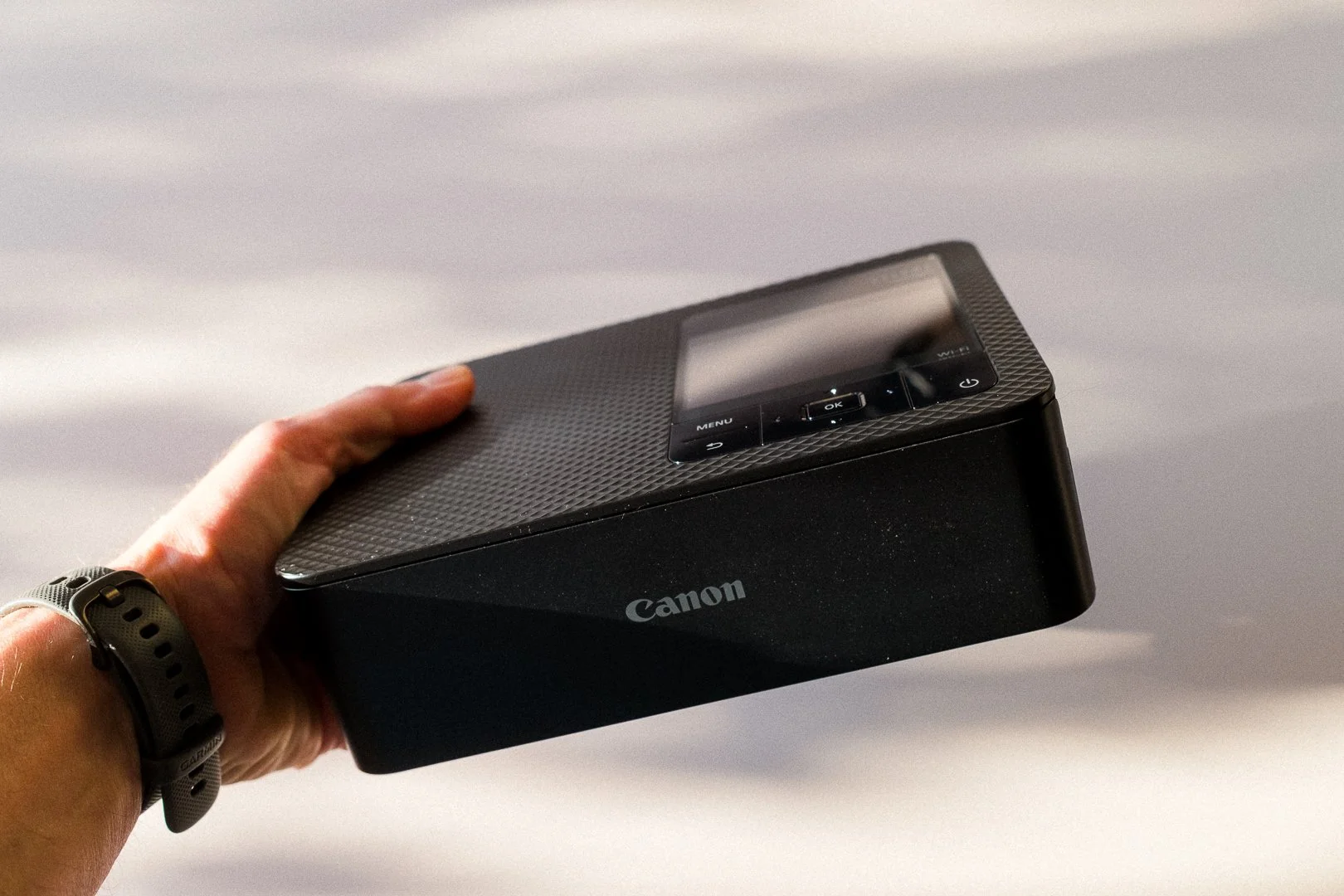
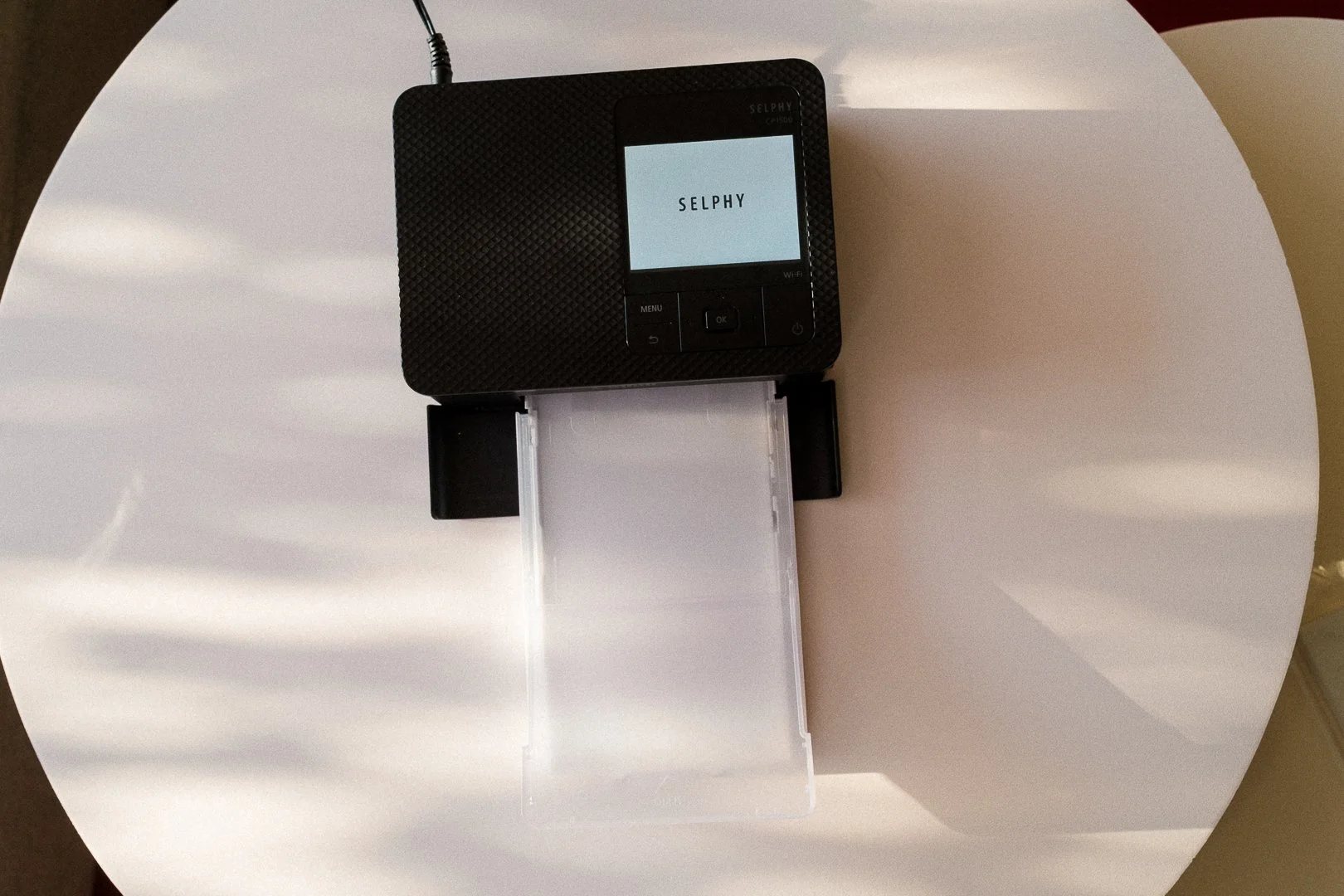
The Selphy CP1500 is small and lightweight. It literally fits in a drawer, so you don't need to dedicate a permanent spot on your desk to another piece of equipment.
I appreciate that. Larger photo printers can take up quite a bit of space, and not everyone needs one sitting on their desk all the time.
With the Selphy, you can simply take it out when you feel like printing something and put it away afterwards.
Easy to set up and use
Unlike some more advanced photo printers, which occasionally seem to have a mind of their own, Selphy is really simple.
The initial setup is straightforward, and the printing can be done through the Selphy app on your phone. No complicated driver installation, colour profiles or endless troubleshooting.
And that's exactly what I want from a printer like this. It should be easy.
If printing a few photographs after a walk requires a complicated technical procedure, there's a good chance you'll eventually stop doing it.
Decent print quality
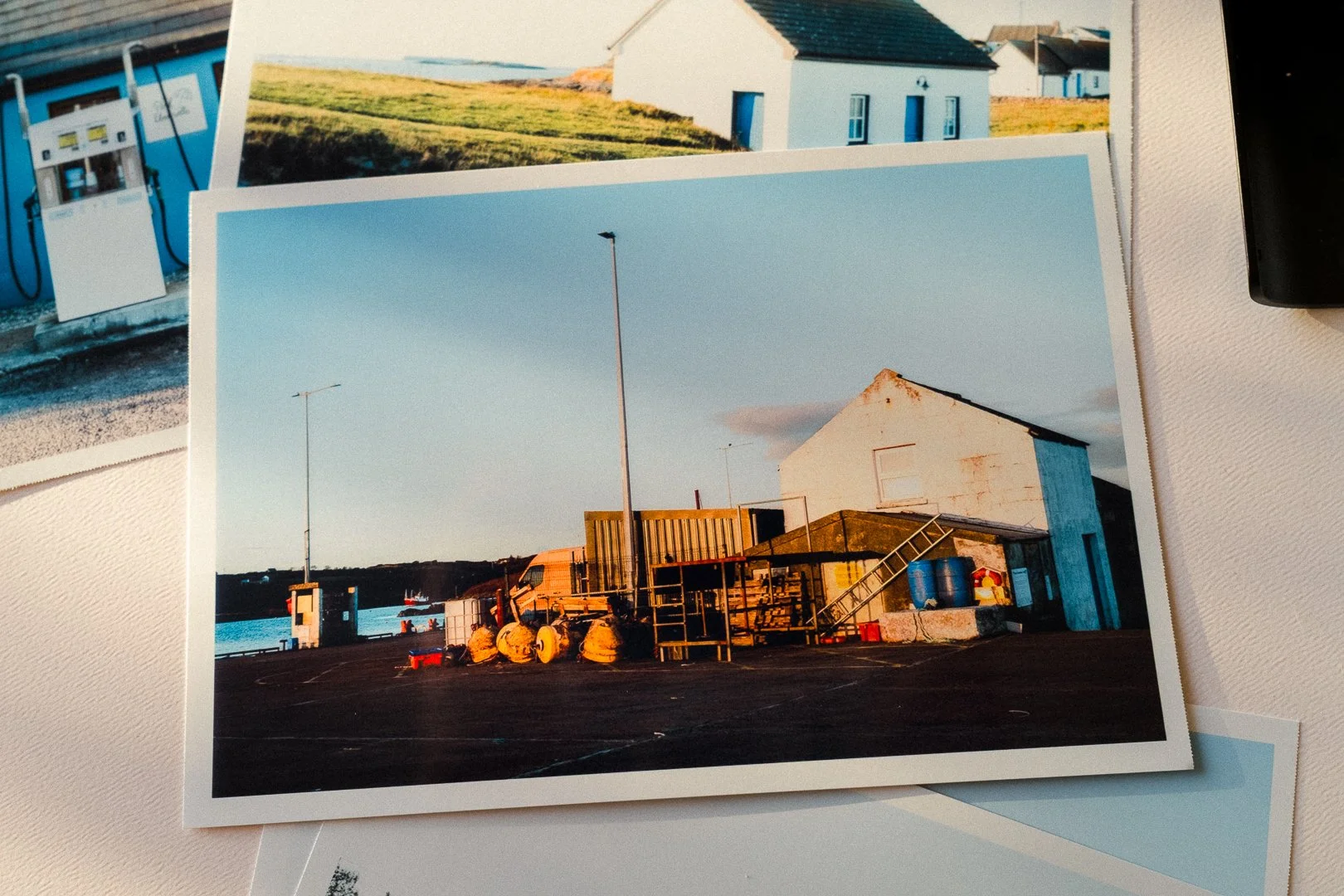
I didn't expect the Selphy to produce prints comparable to those from my Canon PRO-300, and I don't think that's a fair comparison. They are two very different printers designed for different purposes.
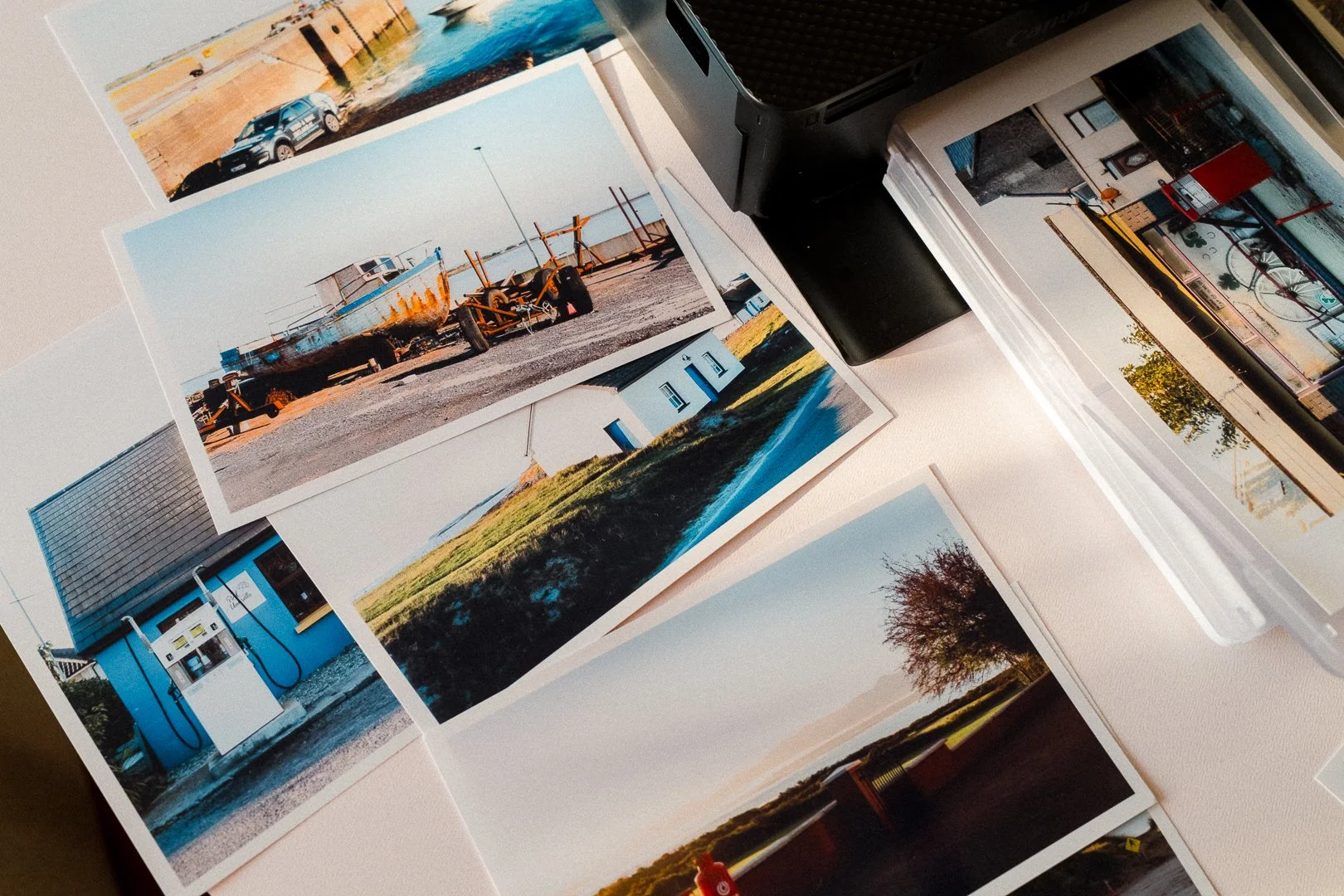
Still, the print quality is perfectly reasonable. Colors are fairly accurate and details are perfectly fine.
I find that photographs taken with my phone look a little less appealing. They seem to lose some contrast and saturation compared to what I see on the screen. Is it something to be fixed with Selpy app (or any editing app) tho.
What could be better?
The printer and app interface
The printer itself has a nice, modern design, but the interface feels rather clunky in comparison. The same goes for the mobile app. It's functional, but not particularly pleasant or intuitive to use.
It's not a major problem, but the overall experience could be much better.
Printing from a computer
You can print directly from a computer, but the experience isn't great. The available options for arranging photographs and working with different layouts are quite limited.
I'd like to see a dedicated, desktop application. In practice, I find it much easier to print from my phone.
The consumables could last longer
The ink ribbon and paper are designed to work together, and each set has a fixed number (108 in particular for a standard paper pack) of prints.
I understand the idea behind this system, but I wish the ribbon cartridges could be used for longer, with the option of simply replacing the paper when needed. It would be a little more convenient and potentially reduce waste.
Is the Canon Selphy CP1500 worth buying?
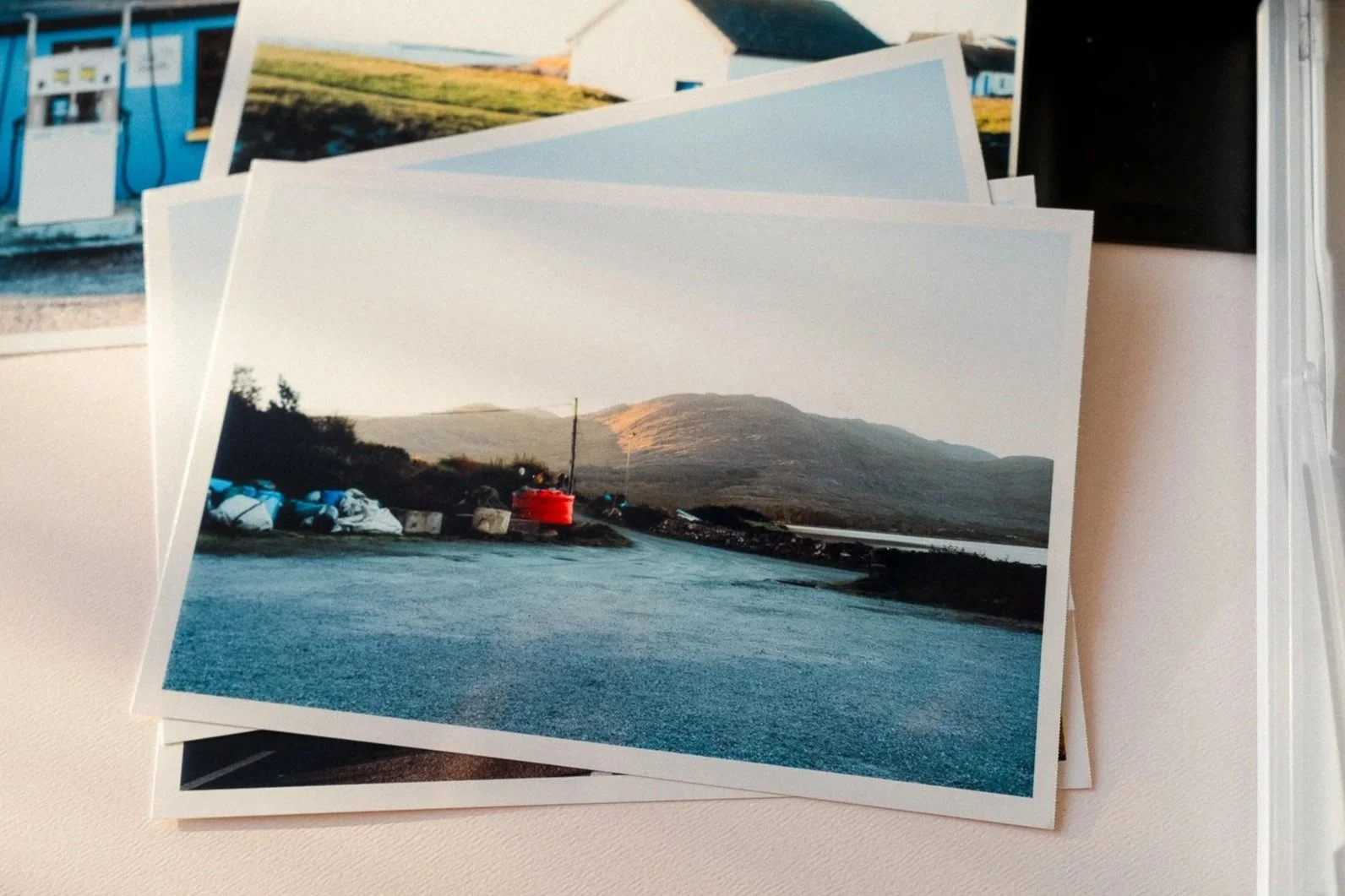
In my opinion, absolutely. Honestly, the Canon Selphy CP1500 is one of the best gear purchases I've made this year.
The Canon Selphy CP1500 is a small, convenient photo printer that makes it easy to print photographs at home without spending too much money or dealing with complicated setup procedures.
One thing I can't comment on yet is print longevity. Canon claims prints can last up to 100 years under certain conditions, but I haven't used the printer long enough to judge how well they hold up over time.
I wouldn't buy it if I were looking for professional-quality prints for exhibitions or clients. That's what my other printer is for.
But if you want to print your favourite photographs from everyday outings, build a physical archive, work on a personal photography project or simply keep some memories on paper, the Selphy is a very good option.
That's probably what I like most about the Selphy. It's the fact that it makes printing photographs so easy and accessible that you actually feel like doing it.
Got a photography project in mind?
Printing your photographs is a good way to start making something out of them. But first, you need an idea worth exploring.
My Project Starter Kit will help you turn a vague idea into a photography project you can actually start working on.